

Looking for a wedding video editor? Get a free quote!
Wedding video editing software is obviously important because it determines the quality and consistency of the final outcome. In the absence of good hardware to support the software, however, you’ll find it very challenging to get good results in an optimal amount of time.
When getting started, you’ll have to equip yourself with various kinds of wedding video gear. Determining what’s essential and which pieces can be acquired later on will give you the opportunity to make the most of your budget.
You’ll have the equipment needed to give your clients amazing results without overspending on accessories and supplies that don’t necessarily impact the final outcome that much.
With so many options to choose from, you’ll probably feel a bit confused. That’s why we’ve narrowed the list of possibilities down to some of the essential PC hardware and software for wedding video editing that will give your career an excellent start.
Types of Hardware Wedding Videographers and Photographers Need

Before looking at important features that will help you pick the hardware pieces that match your needs, let’s start with a list of the essentials you should consider getting:
- A powerful computer (PC or Mac)
- A laptop you can bring to wedding day sessions
- At least one good external monitor (it should also be large for effortless post-production)
- Cables (very important in terms of compatibility)
- Headphones (very important to get the fine details when you’re doing audio editing)
- Memory cards
- Video editing software
Make a list of these and other pieces you may consider essential. For each product, there are reputable brands and makers recognized for their quality. Apart from considering the top brands, you should also know which technical characteristics and considerations matter when selecting appropriate equipment.
Wedding Video Hardware Essentials: Choosing the Best Computer
A powerful, reliable computer is the key to good post-production.
We recommend investing in a reliable piece of equipment that will serve you well over the years to come. While a few upgrades may be necessary in time, the computer you get right off the bat will help you save a lot of money in the years to come (if you choose wisely).
Some of the important technical specs you’ll have to review when choosing the right computer (whether PC or Mac) include:
- Processor: The central processing unit (CPU) has to be powerful enough to support your video and/or photo editing software. Always prioritize the selection of a computer that has multi-core processors. These computers can handle very complex tasks and multiple processes without experiencing slowdowns.
- Graphic processing: The graphic card of the computer is also known as the graphic processing unit (GPU). It accelerates post-production tasks during wedding video editing by offloading some of the resource-intensive tasks from the CPU. The GPU is pretty much the one element to consider when it comes to color correction, rendering tasks, and the application of various visual effects. When looking at GPU, the minimum requirement is to have at least 6GB of VRAM – the computer memory responsible for visual processing. Finding some information about how the GPU performs when you’re using post-production software of preference is also a good idea.
- Storage: Raw footage and other video files can be incredibly large. Get a computer that offers you enough storage space. Obviously, you’ll have to do external backups and you’ll need to archive periodically to free up some space. Still, getting started with enough storage will free you from having to get rid of files too often. Computers give you two kinds of storage drives – solid state drives (SSD) and hard disk drives (HDD). SSD is faster and a much better choice for video editing.
- Display: When it comes to choosing a screen, your preferences are most important. Most post-production professionals prefer larger displays that present the details better and allow for comfortable work without straining the eyes. In terms of choosing the right display, color accurateness and ease of calibration are other essentials you simply can’t neglect.
- RAM: Random access memory (RAM) also determines the resources available for post-production and the speed of getting the work done. When working on a large file, you’ll need lots of resources for a smooth and seamless editing process. Picking a computer that has 16GB of RAM is optimal but some video editors and post-production professionals may go up to as much as 32 or even 64GB.
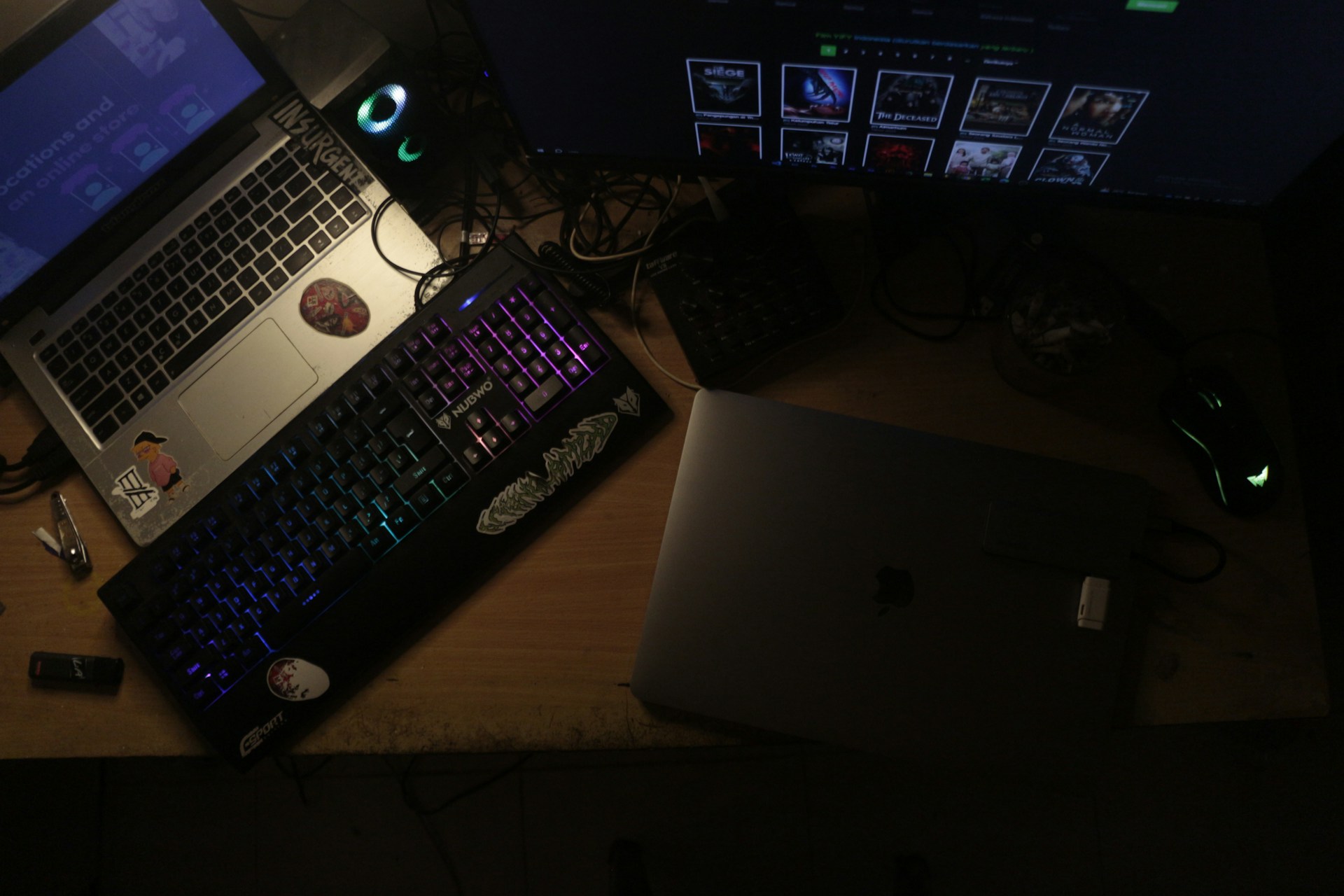
- Keyboard and mouse: Photographers and videographers sometimes neglect periphery when videographers and photographers choose their computers. While these are easy to change, you should try to avoid learning through trial and error whether something works. Prioritize ergonomics when you’re picking a keyboard and a mouse. Some videographers opt for gaming mouse products because they allow for precision and smooth control of the wedding video editing process.
Other Things to Watch Out for

These are the essentials you’ll need when choosing a computer for photo and video editing.
If you’re not that technically adept, you can always get someone to consult you and give you better information about the available options.
Apart from the very important essentials already mentioned in the previous section, there are a couple of other things to pay attention to:
- Set a budget and stay within it when you’re getting equipment. Knowing the financial parameters will free you from examining options that are unobtainable, allowing you to achieve the best price-to-quality ratio.
- Make sure that the computer and all hardware/software products you’ll be using are going to be compatible with each other.
- Decide whether a PC or a laptop will be more convenient. Some videographers who take a computer with them on a shoot invest in both. A PC gives more convenience, power, and resources, which makes it better for editing.
- If you’re getting a laptop, consider its weight. When you’re bringing lots of gear to a shoot, that factor may be determining for convenience.
- Getting larger monitors is always preferential but make sure that a bulkier item is going to fit your setup.
- Make sure all pieces of equipment can be connected with each other and that's dependent on the ports available.
- Make sure the computer you’re getting is sufficiently prepared for future software updates and releases. Enough RAM, the right CPU and GPU configurations will be important to handle innovation in the foreseeable future.
Some Top Choices and Brands for Wedding Video Editing Hardware
To make the task of picking even easier, we’re going to look at some of the established brands and models video editors prioritize.
Apple (MacBook Pro)
Giving you 32-core integrated GPU and RAM of up to 64GB, the MacBook Pro is an excellent choice for videographers. You’ll also get SSD storage of up to 8TB and a 16-inch display. This powerhouse of a computer also has excellent battery life and the really beautiful, color-accurate display.
One thing you may want to consider is getting an external monitor for some added convenience when doing post-production work. The laptop is also on the expensive side and it may be somewhat heavier than comparable computers.
Microsoft Surface
When talking about this one, we’re prioritizing the the 7th edition laptop (2024). Many consider it one of the best Microsoft-based alternatives to the MacBook Pro. The Intel Core processor, RAM of up to 32GB, storage of up to 2TB, and a 28-inch display with 4,500 x 3,000 resolution all turn it into an excellent laptop for videographers.
This laptop is also on the more expensive side. Some photographers and videographers have also run into compatibility issues. Do check in advance if it’s going to work with the software and peripherals of your choice.
Razer Blade 15
Anyone looking for a more reasonably priced laptop will be happy with the Razer Blade 15. It’s is a gaming laptop but it’s an excellent choice for videographers and post-production professionals. It comes with a 10th generation Intel Core i7 processor that makes it fast and reliable. The computer also has a NVIDIA GeForce GTX 1660 Ti graphics card, an open SSD slot, at least 16GB of RAM, and up to 1TB of storage.
On the downside, the laptop has a fairly small display. You can counter this issue through the selection of a good external monitor.
Asus ProArt StudioBook
This laptop brags the industry’s first 16-inch 4K OLED HDR 16:10 display – the perfect opportunity to spot and admire every detail during post-production work. A few other noteworthy characteristics include a 13th generation Intel Core i9 processor, NVIDIA GeForce RTX 4070, an SSD of up to 8TB, and up to 64GB of RAM.
The battery life is one shortcoming. Since the laptop is incredibly powerful, however, the issue is understandable.
A Few Words About Video Editing Software
We’ve discussed video editing software in the past so it’s not going to be the focus of this discussion. Still, a few words to help you make a choice can enhance the selection of tools for the creation of quality wedding videos.
The most important things to consider when picking video editing software include:
- Your experience level, learning curve
- Whether it’s going to be computer-based or browser-based (the second option gives you on-the-go capabilities but can be more restrictive than having software installed on a powerful computer)
- Complexity of the post-production projects you’ll be executing
- Video format support
- Compatibility with the hardware you own or intend to get
- Longevity (upgrade and update options, integration of new features)
- Availability of libraries (visual effects, sounds, image libraries, animations, etc.)
- The cost, especially when put in the context of available features (also, think whether you’ll be getting a subscription-based plan or you’ll go for a one-time software purchase)
- Community, customer service and technical support, available resources
The best thing to do is to narrow the options down to a few, after which you can test demo versions.
A test drive is always a must-do before investing in software. You can get used to a product that doesn’t seem intuitive or particularly effective at first. Given the fact that an option better suited to your needs is probably in existence, however, should you put effort into getting comfortable with a product that’s not 100 percent tailored to your needs?
Final Thoughts
The tools you use enhance your skills and give you the polished results your clients need.
You need both good hardware and software for post-production to deliver the types of wedding videos your clients envision.
Before spending money on post-production gear, however, think about the process.
Are you skilled enough and is video editing something you want to tackle on your own?
For many videographers, outsourcing post-production will make more sense than investing in gear and learning how to make the most of it.
The decision to outsource wedding video editing will free a lot of time you can dedicate to communicating with clients and shooting their special day. This is an especially good choice for videographers who don’t feel post-production is their forte or who simply don’t have the time to handle every process on their own.
Go through all the options, assess their pros and cons, and pick the one that makes the most sense for your studio. This decision will change with your customer base but decide on the basis of what feels optimal right now.
Looking for a wedding video editor?
Get a free quote within 24 hours!
A Guide to Organizing Footage for Wedding Video Post-Production
Looking for a wedding video editor? Get a free quote! Wedding video post-production can be an incredibly chaotic process, especially if you have a ton of footage that you’ve failed organizing properly. Organizing raw footage should become an integral part of your...
How to Avoid Burnout as a Wedding Videography or Photography Service Provider
Looking for a wedding video editor? Get a free quote! Burnout affects all professionals during tense periods, but wedding videography and photography service providers tend to be heavily affected during peak season. Being consistent, attending multiple events, taking...

Best Way to Handle Wedding Video Revision Requests from Clients
Looking for a wedding video editor? Get a free quote! Revision requests are a normal, inevitable part of the wedding video editing process. Dealing with exaggerated or unsubstantiated revision requests, however, can take a toll on your business. As a wedding...

Wedding Video Editing for Social Media: A Guide to Reels, Trailers, and Teasers
Looking for a wedding video editor? Get a free quote! Producing the perfect wedding video for your clients is sometimes just the beginning. In a digital age, people often have additional requirements like social media content they can cherish and share with their...

How to Scale Your Wedding Videography Business with Outsourced Post-Production
Looking for a wedding video editor? Get a free quote! The only way to keep your business sustainable is to continue growing and evolving. Unfortunately, many entrepreneurs lack the time and resources to think strategically about growth and implement the steps needed...
0 Comments